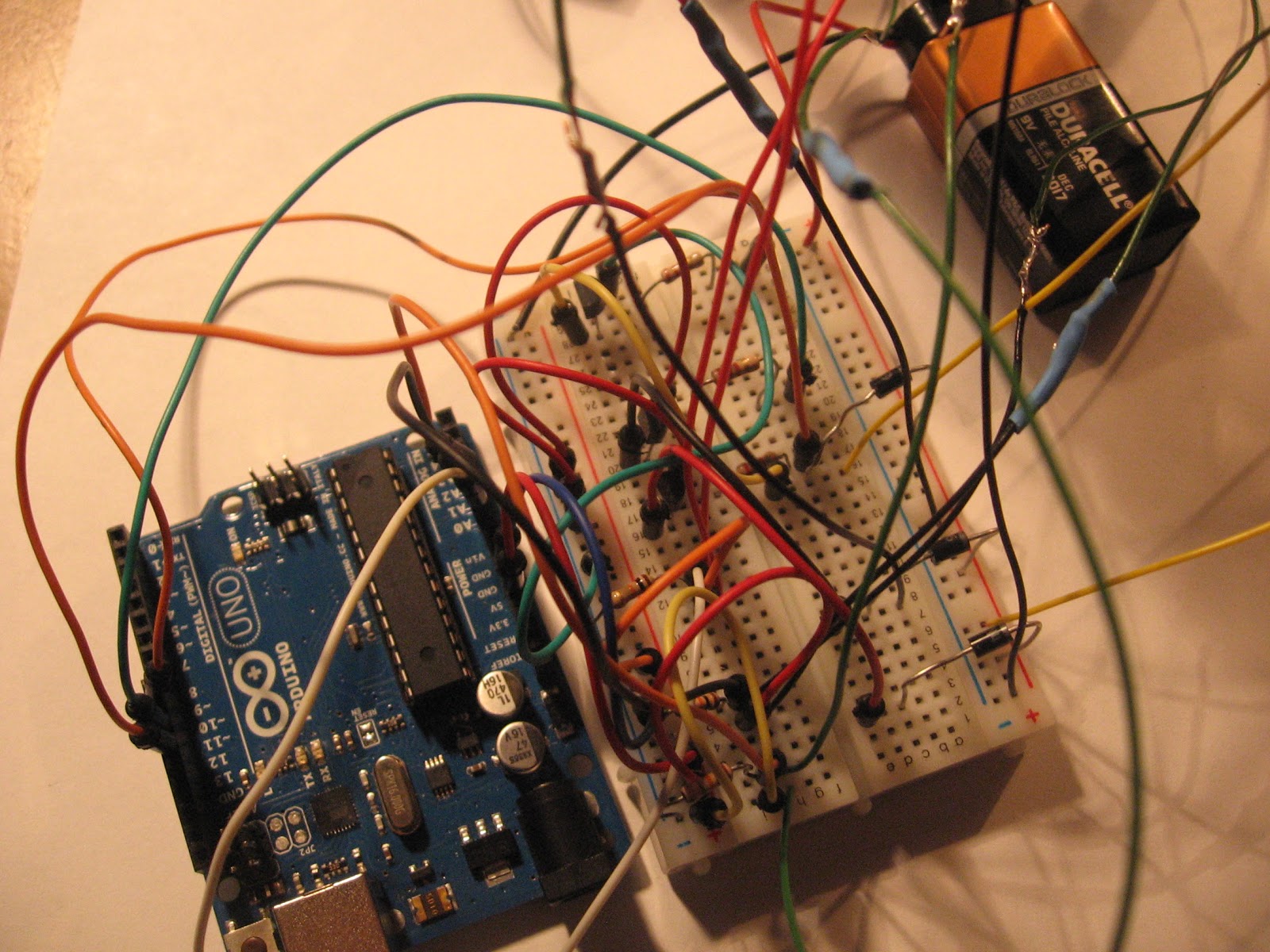
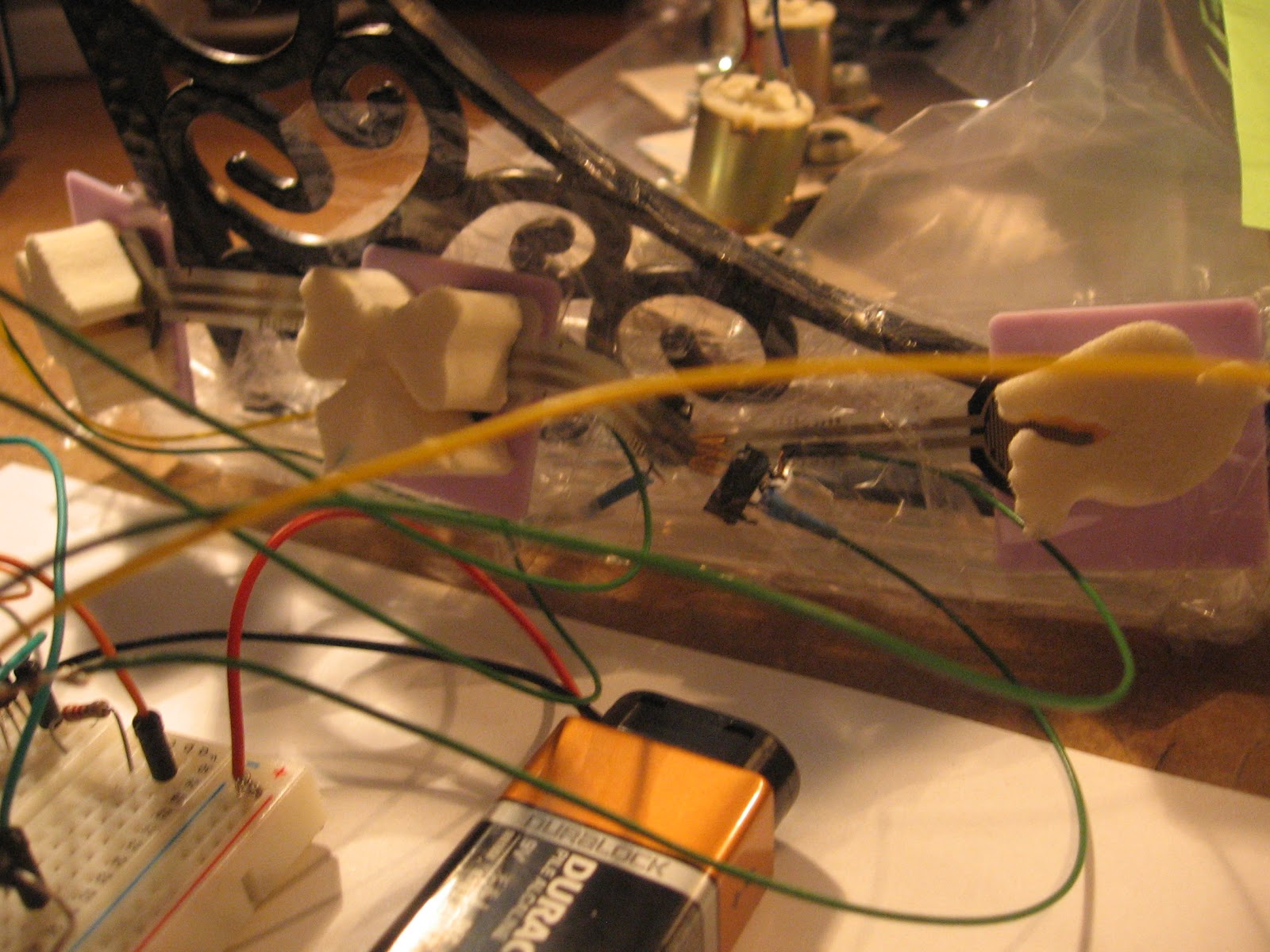
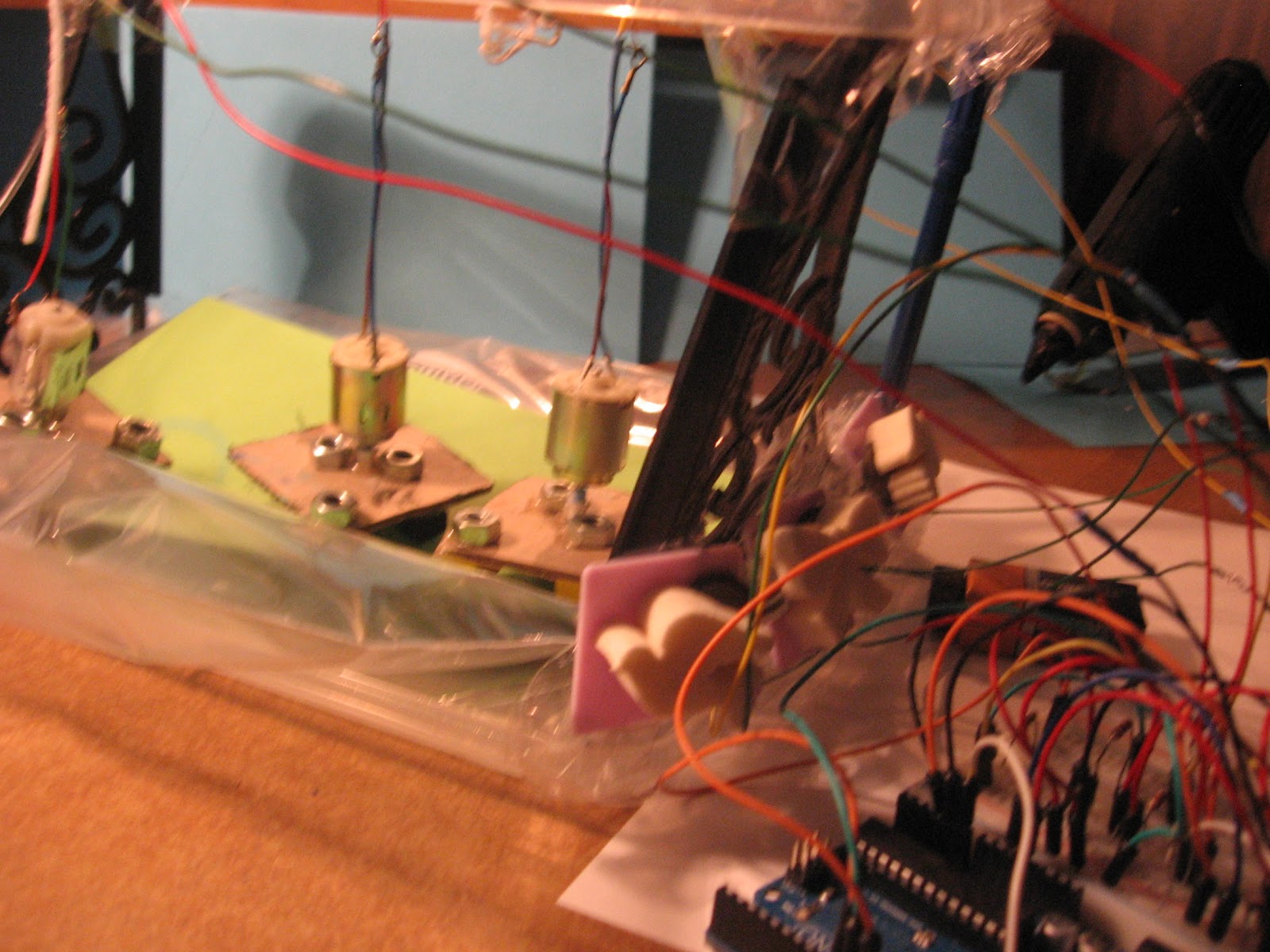
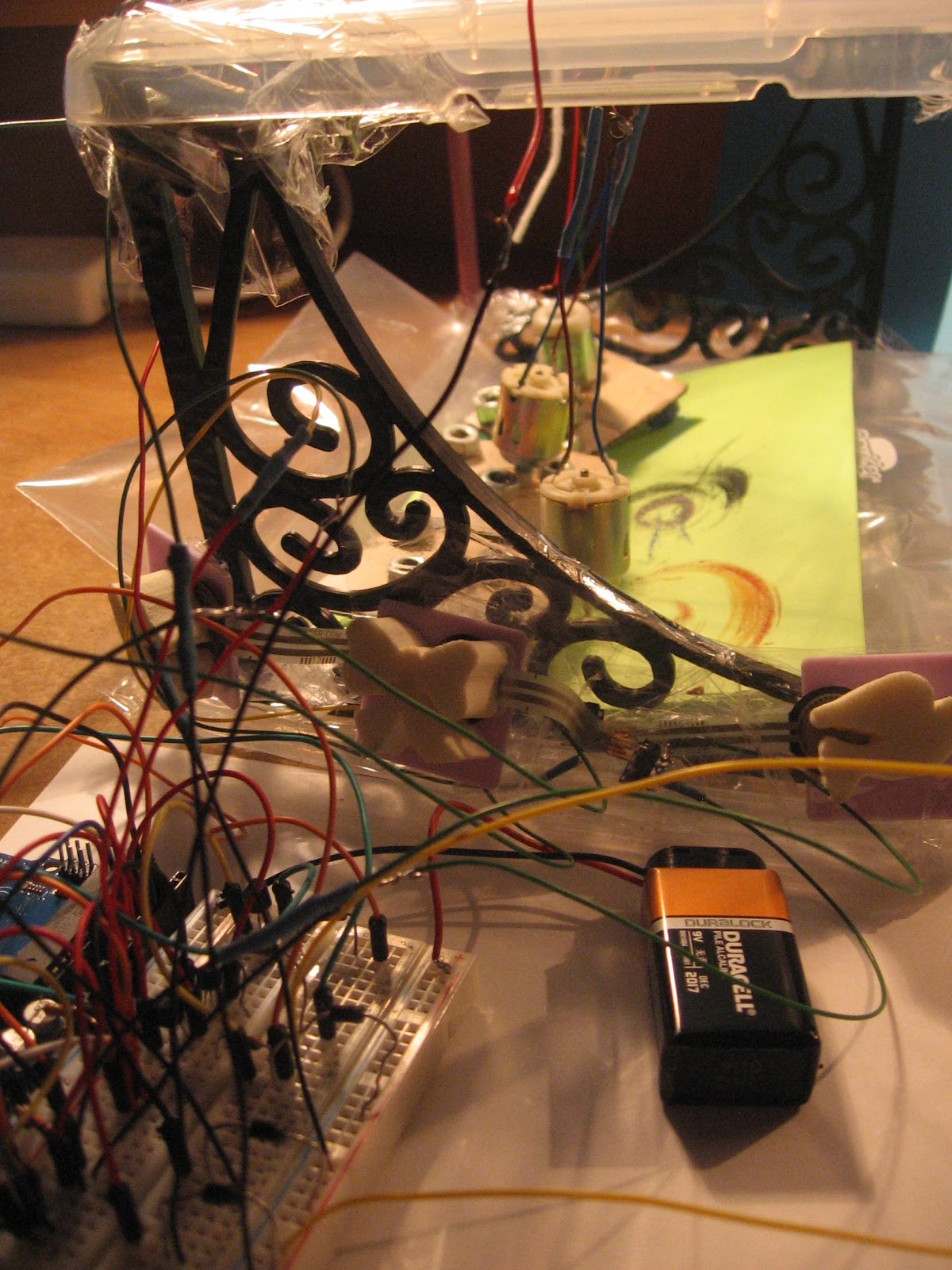
Below I have the code, the pictures, and the video for the drawing device. Thank you for your help Sabrina, and I am sorry about the misunderstanding in getting the other motors to run. I also have the video uploaded to dropbox as well as here.
/*
* Force Sensitive Resistor Test Code
*
* The intensity of the motor will vary with the amount of pressure on the
sensor
*/
int sensePin = A0; // the pin the FSR is attached to
int sensePin2 = A1; // the pin the FSR is attached to
int sensePin3 = A2; // the pin the FSR is attached to
int motorPin = 9; // the pin the motor is attached to (use one capable of PWM)
int motorPin2 = 10; // the pin the motor is attached to
int motorPin3 = 11; // the pin the motor is attached to
void setup() {
Serial.begin(9600);
pinMode(motorPin, OUTPUT); // declare the ledPin as an OUTPUT
pinMode(motorPin2, OUTPUT); // declare the ledPin as an OUTPUT
pinMode(motorPin3, OUTPUT); // declare the ledPin as an OUTPUT
}
void loop() {
int value = analogRead(sensePin);
Serial.println(value);
int val = map(value, 0, 1023, 0, 255);
int value2 = analogRead(sensePin2);
Serial.println(value2);
int val2 = map(value2, 0, 1023, 0, 255);
int value3 = analogRead(sensePin3);
Serial.println(value3);
int val3 = map(value3, 0, 1023, 0, 255);
analogWrite(motorPin, val); //sets the motor intensityproportional to the pressure on the sensor
Serial.println(val); //print the value to the debug window
analogWrite(motorPin2, val2); //sets the motor intensityproportional to the pressure on the sensor
Serial.println(val2); //print the value to the debug window
analogWrite(motorPin3, val3); //sets the motor intensityproportional to the pressure on the sensor
//Serial.println(value); //print the value to the debug window
}

-Angela Zarek
Intro to Responsive Arts