Materials:
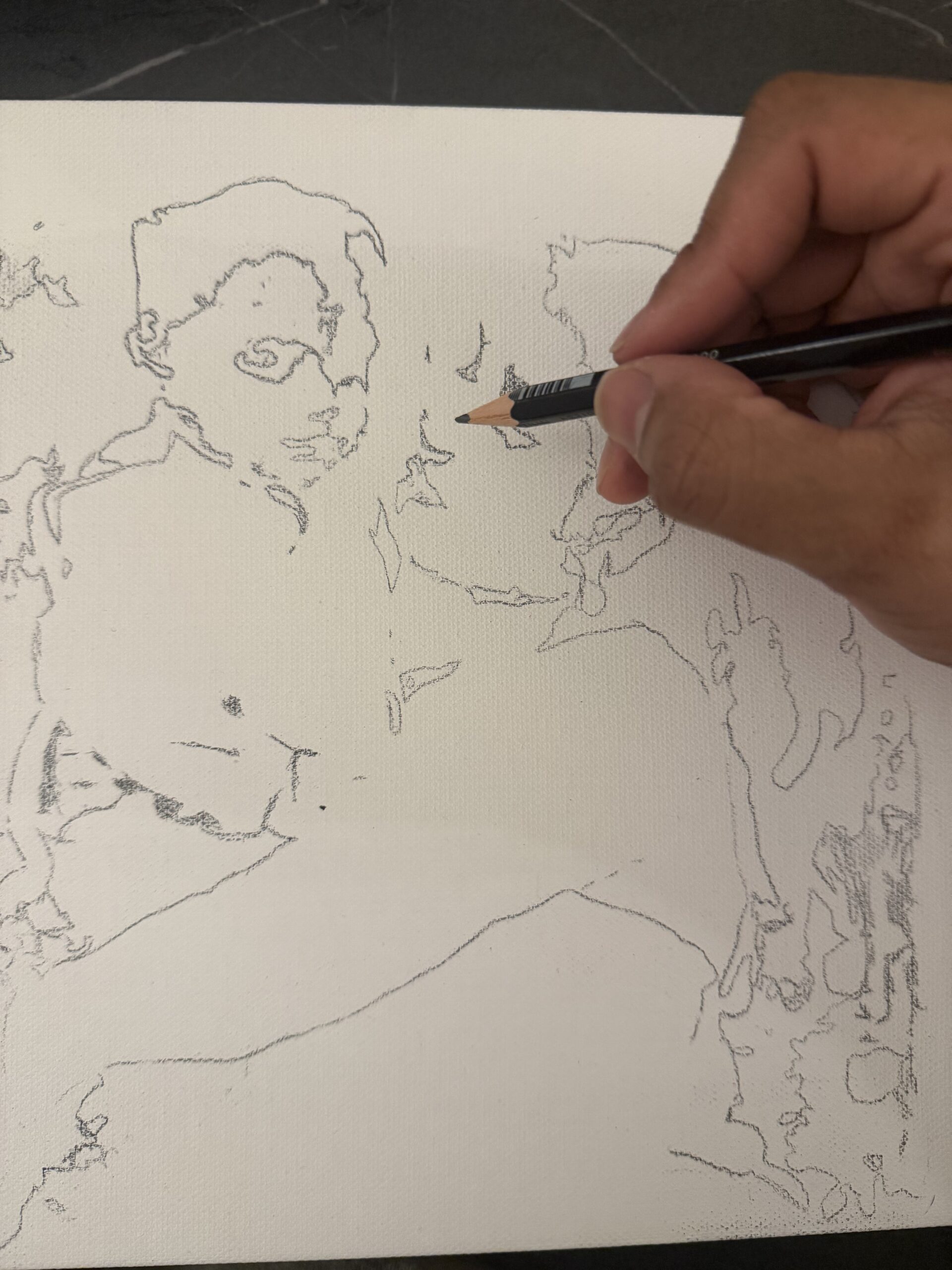
- Graphite pencil
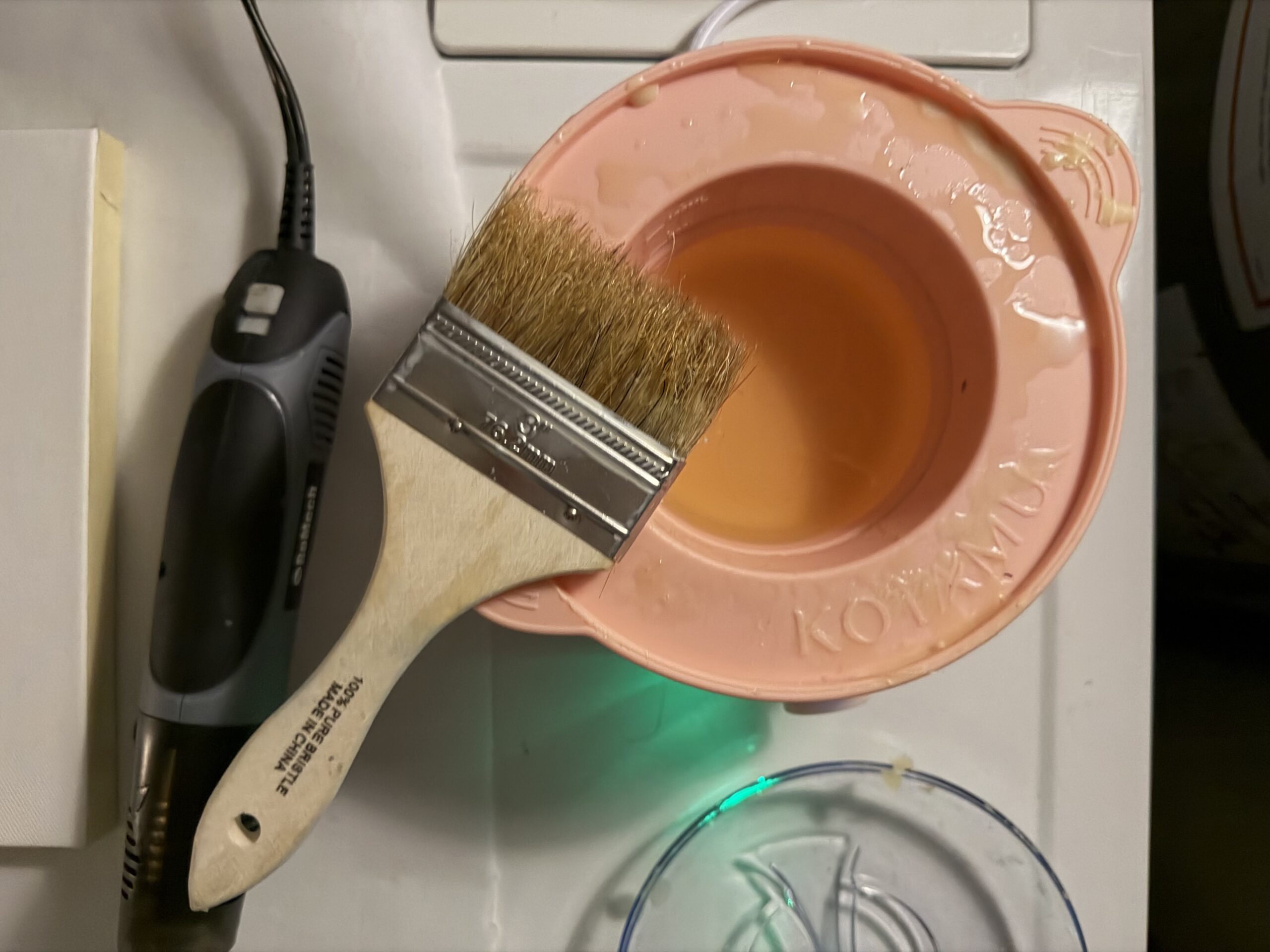
- Encaustic medium
- Natural brushes (the rough ones)
- Wax warmer pot
- Heat gun
- Canvas
- Masking tape
- 16×16 Neopixel LED Matrix
- 4 1.5v AA batteries
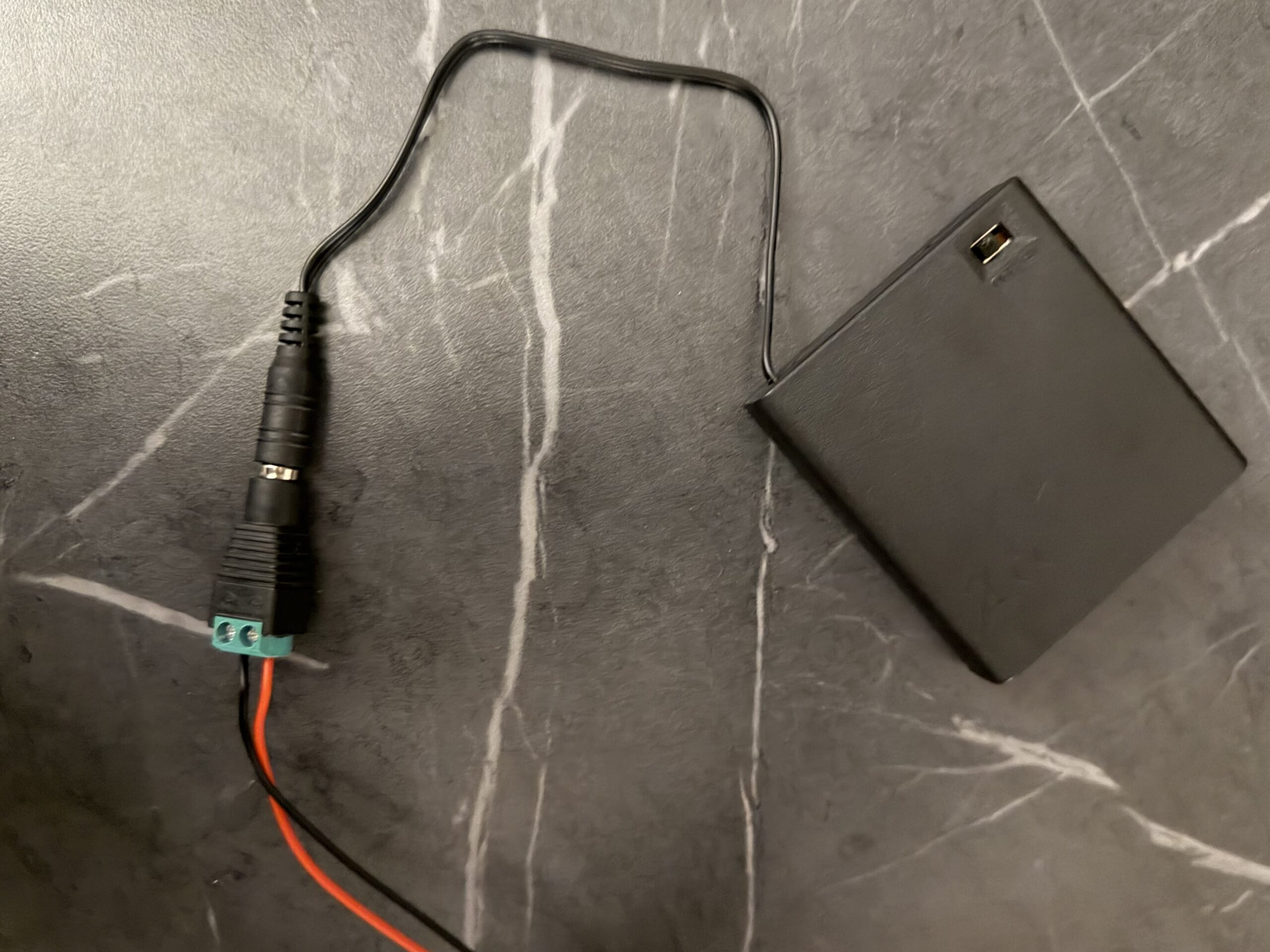
- 6v battery holder
- Jack plug adapter barrel connector
- 2 pin jst connector
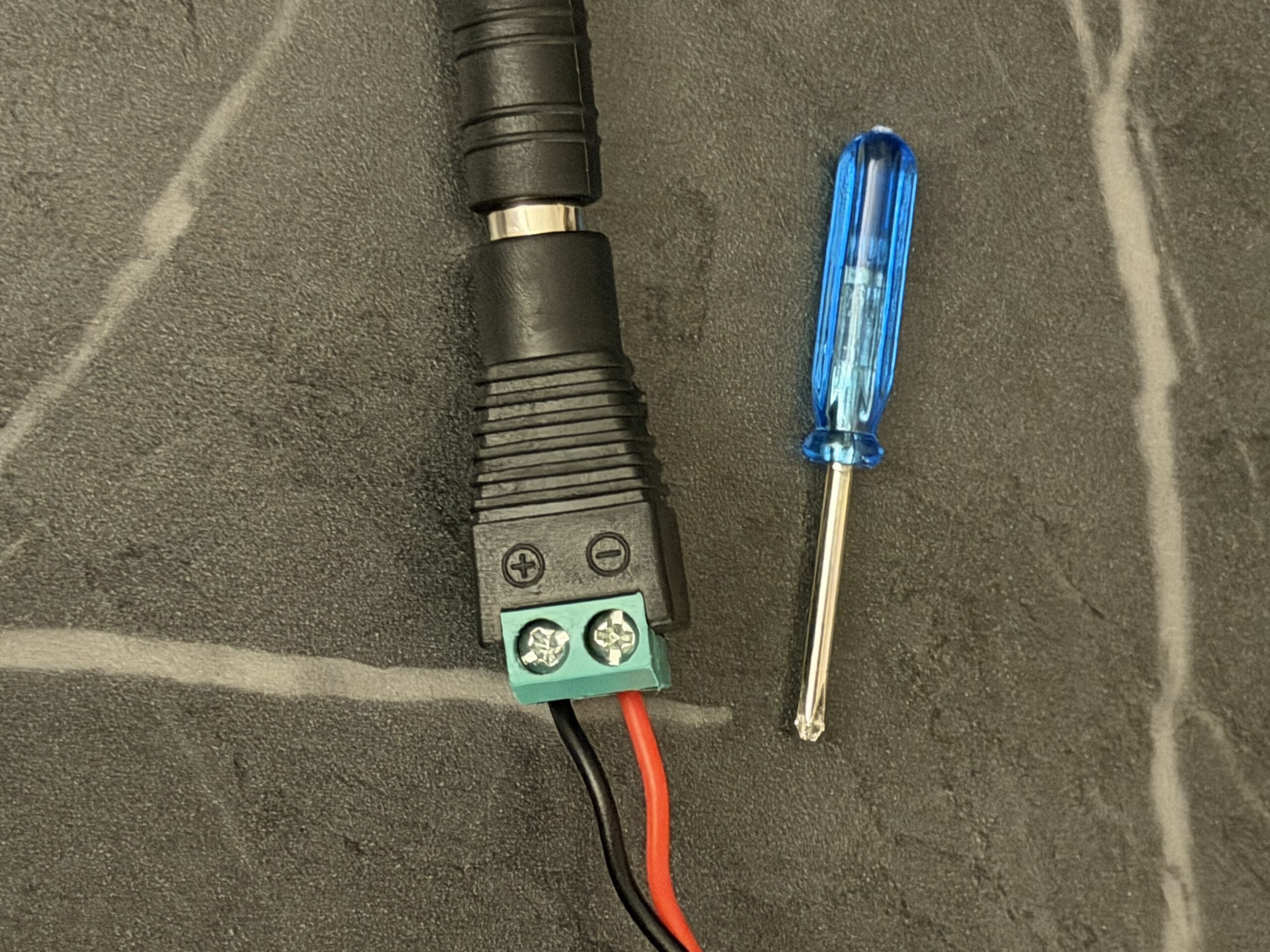
- Mini screwdriver
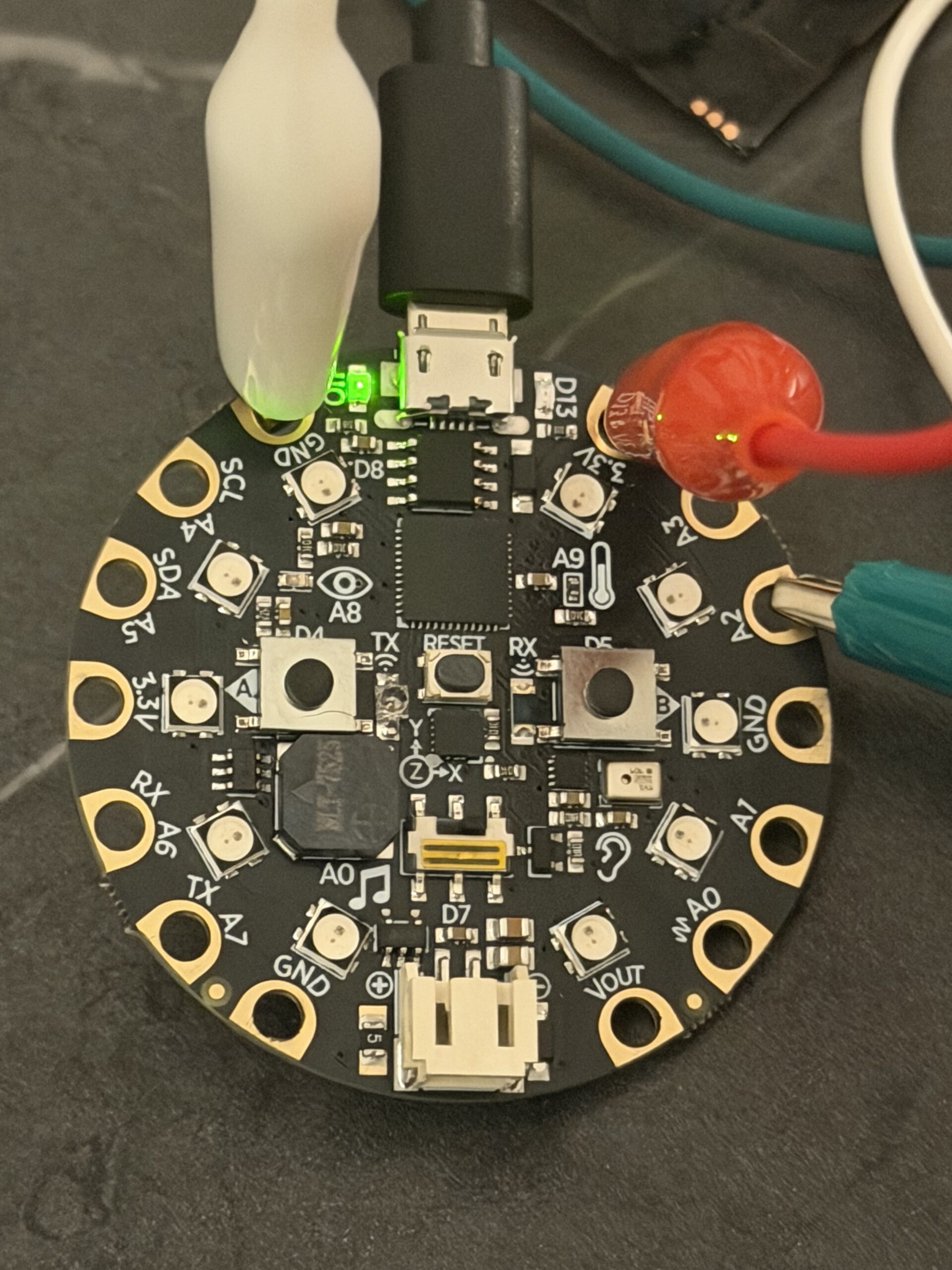
- CPX
Instructions:
- Preheat encaustic medium in wax warmer pot. Make sure you know what temperature to bring the wax to!

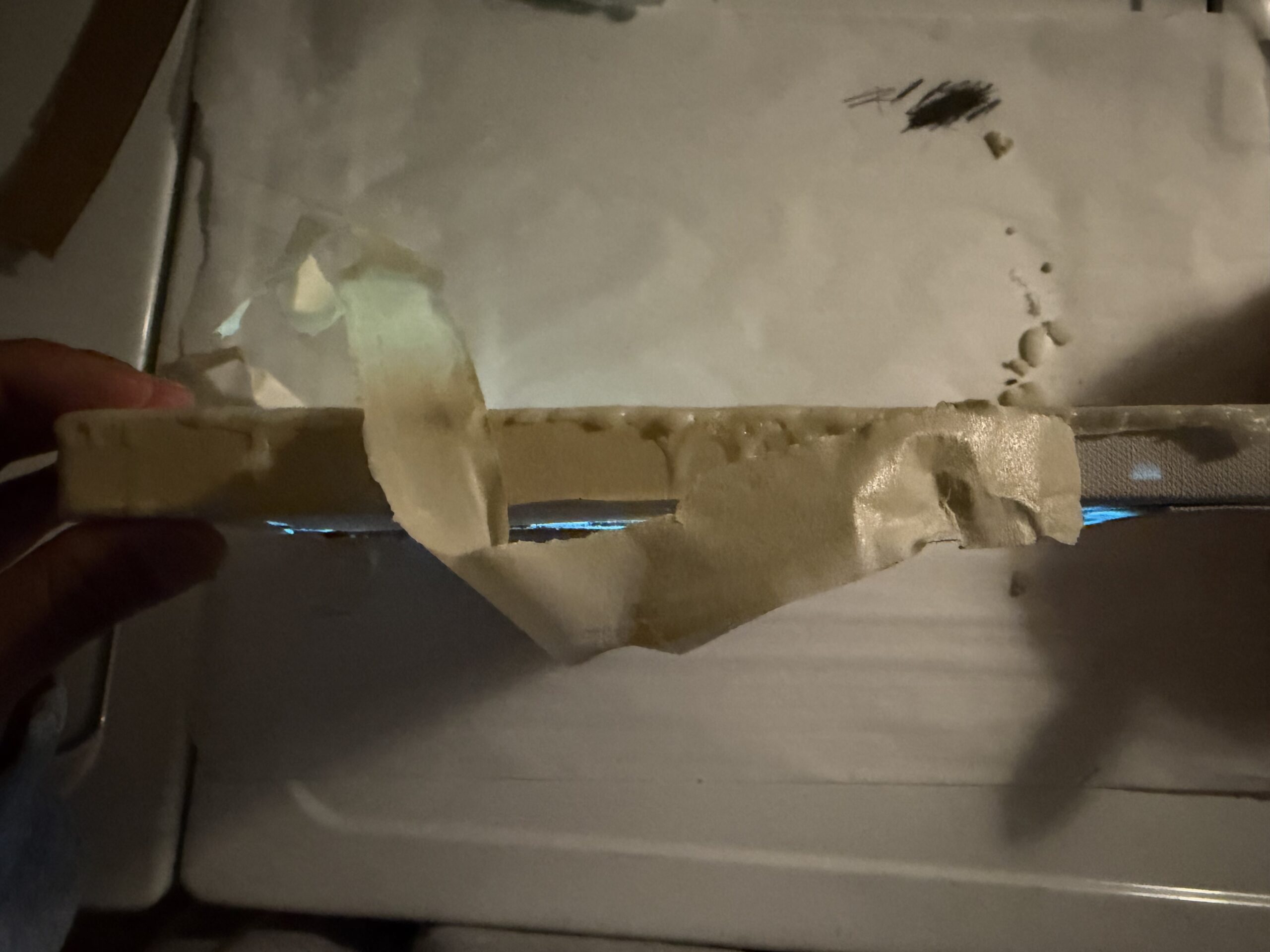
- Using masking tape, line the sides of your canvas. This allows for easy cleanup and removes any unnecessary wax that may drip onto the sides of your canvas.
- Trace or sketch directly onto your canvas! Remember that using a graphite pencil will lead to a smudgy design. If this is your desired aesthetic, this works great! If not, opt for a sharpie or paint.

- Line your workspace with newspaper or anything else disposable. This makes cleanup so much quicker.
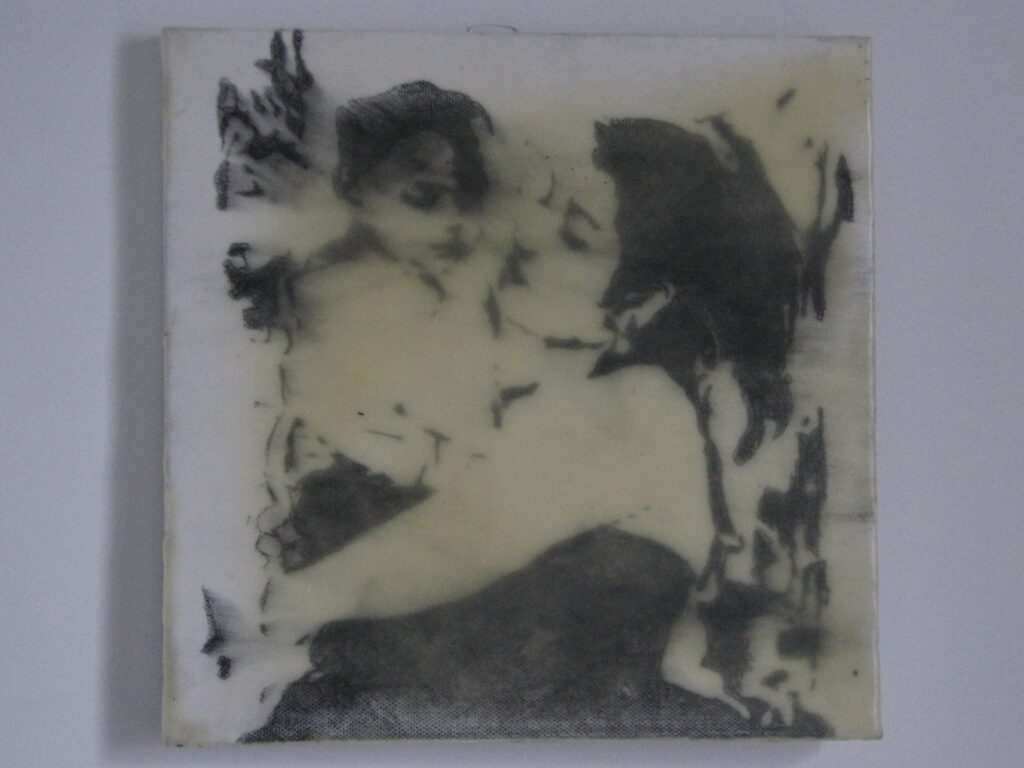
- Once your encaustic medium has heated through, use your natural brush to lay an even layer of wax over your canvas. Don’t worry about the messy streaks!
- Using a heat gun, reheat the brushed wax into an even layer.
- For my project, I wanted an uneven coat, to expose bits of the canvas. If you are looking for a thicker, more even coat, continue to repeat steps 5 and 6!
- Allow your canvas to cool
- Remove masking tape carefully to remove excess wax from sides of canvas.
- Upload your Arduino code onto your Circuit Playground.
- Attach your Neopixel matrix with alligator clips directly to your CPX. Be sure to attach your Data input to the appropriate pin from your code.
- Attach your 2 pin jst connector to your jack plug adapter barrel connector. Connect this to battery holder.
- Using a mini screwdriver, screw these male/female wires into the jack plug adapter.
- Insert batteries into holder.
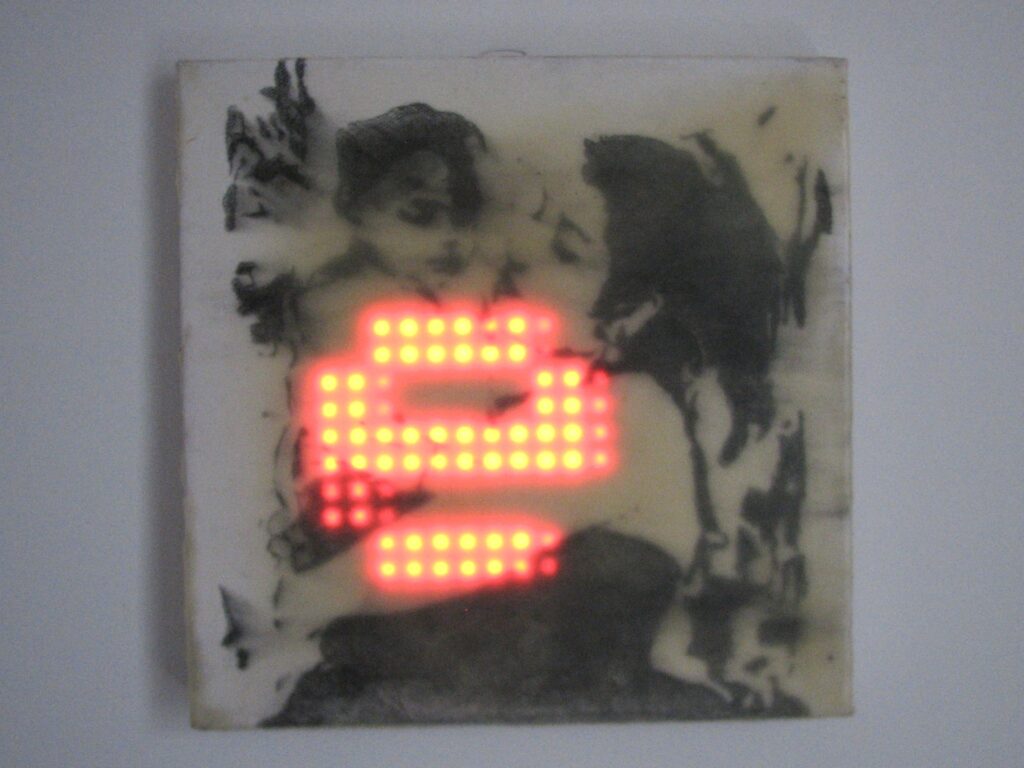
- Position everything behind canvas as desired.
- Clap to active (:
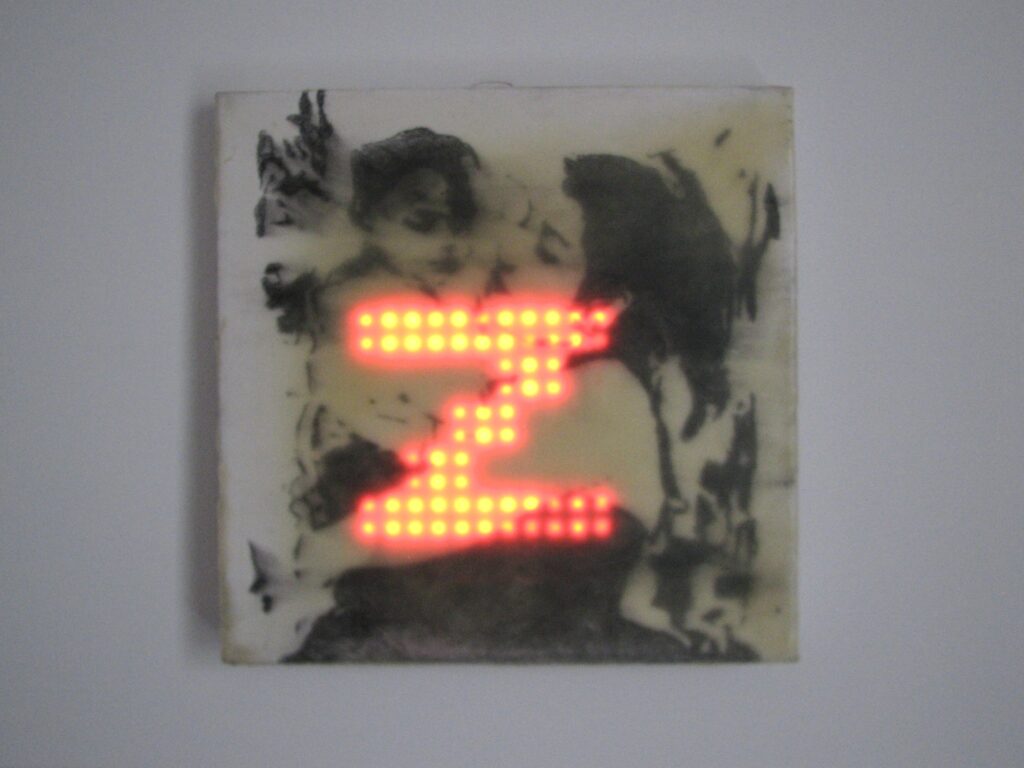
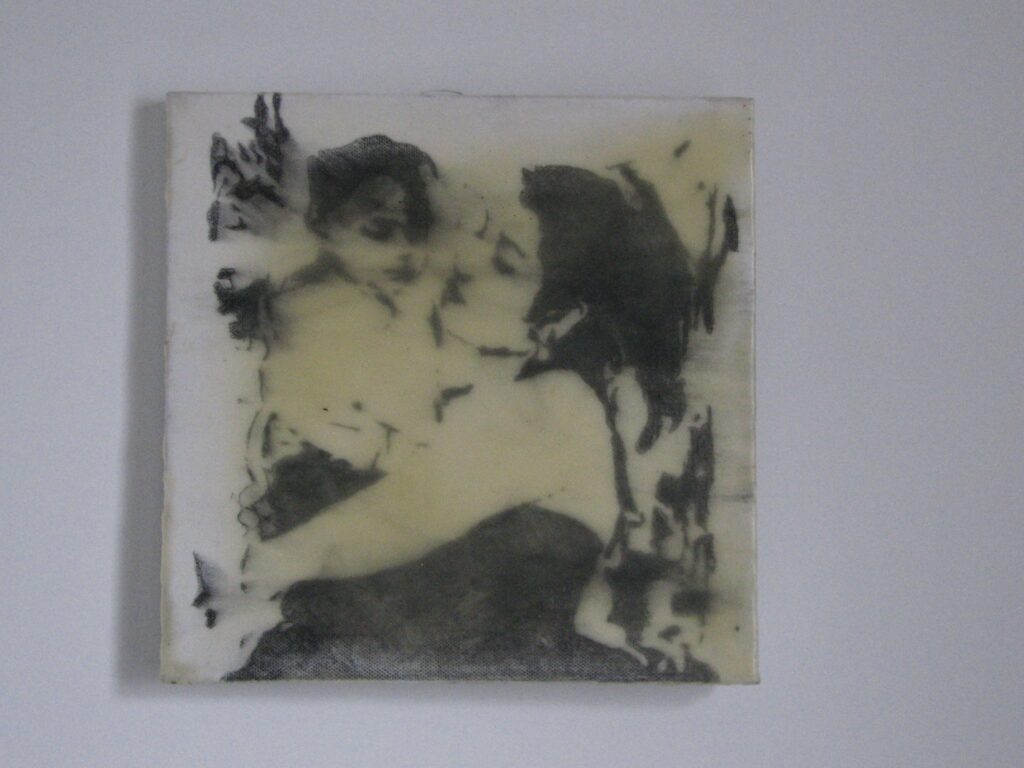
Code:
#include <Adafruit_GFX.h>
#include <Adafruit_NeoPixel.h>
#include <Adafruit_NeoMatrix.h>
#include <Adafruit_CircuitPlayground.h>
#define LED_PIN A2
#define MATRIX_WIDTH 16
#define MATRIX_HEIGHT 16
#define MATRIX_TYPE (NEO_MATRIX_BOTTOM + NEO_MATRIX_LEFT + \
NEO_MATRIX_ROWS + NEO_MATRIX_ZIGZAG)
// Text
const char* text_to_scroll = “Perez “;
int scroll_speed = 25;
// higher = less sensitive
#define SOUND_THRESHOLD 85
const unsigned long CLAP_DELAY_WINDOW = 800;
Adafruit_NeoMatrix matrix = Adafruit_NeoMatrix(MATRIX_WIDTH, MATRIX_HEIGHT, LED_PIN,
MATRIX_TYPE,
NEO_GRB + NEO_KHZ800);
int x = matrix.width();
int text_min_x;
// Clap detection
int clapCount = 0;
unsigned long lastClapTime = 0;
bool displayState = false;
void setup() {
CircuitPlayground.begin();
matrix.begin();
matrix.setBrightness(50);
matrix.setTextSize(2);
matrix.setTextColor(matrix.Color(255, 0, 0));
text_min_x = -(12 * strlen(text_to_scroll));
matrix.fillScreen(0);
matrix.show();
}
void loop() {
detectDoubleClap();
if (displayState) {
matrix.fillScreen(0);
matrix.setCursor(x, 0);
matrix.print(text_to_scroll);
matrix.show();
x = x – 1;
if (x < text_min_x) {
x = matrix.width();
}
delay(scroll_speed);
} else {
matrix.fillScreen(0);
matrix.show();
delay(10);
}
}
void detectDoubleClap() {
float value = CircuitPlayground.mic.soundPressureLevel(50);
unsigned long currentTime = millis();
if (value > SOUND_THRESHOLD) {
if ((currentTime – lastClapTime) > 100) {
clapCount++;
lastClapTime = currentTime;
if (clapCount == 2) {
displayState = !displayState;
if (displayState) {
x = matrix.width();
}
clapCount = 0;
}
}
}
if (clapCount > 0 && (currentTime – lastClapTime) > CLAP_DELAY_WINDOW) {
clapCount = 0;
}
}