1. How do materials affect well-being? Some research suggests that materials directly impact human psychology (e.g., warm materials promote relaxation, transparent materials create openness, acoustically absorbent materials reduce stress). Should artists and designers have a deeper understanding of material psychology? I think that designers being more intentional about the types of materials that they use…
Category: Uncategorized
Evelyn R’s Taxonavigation Discussion Questions
Given the rise of smart materials (e.g., thermochromic, piezoelectric, and shape-memory alloys), do you think architecture, design, and art education should include basic material science courses? Why or why not? How do you define material intelligence? What does it mean to truly understand a material—its history, process, function, and emotional impact? Should material intelligence be…
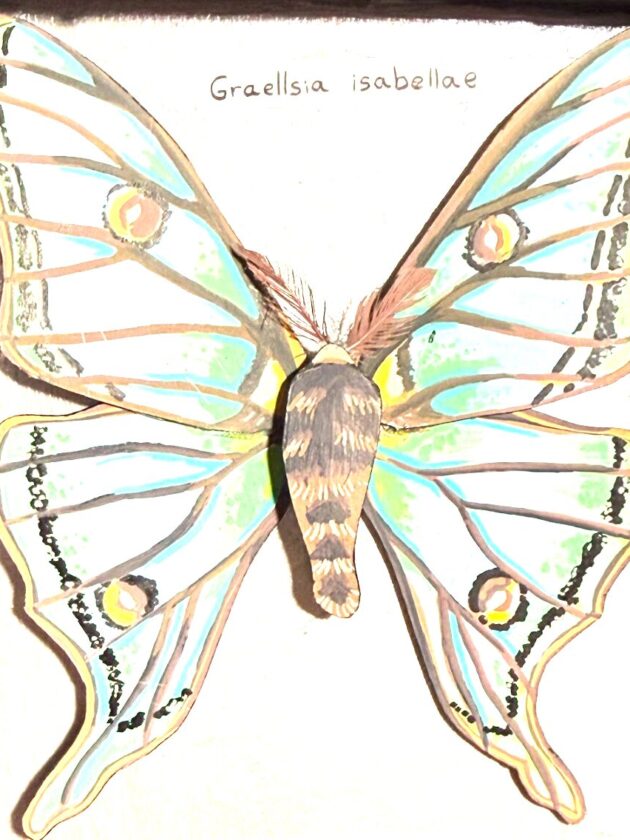
final project Addison Eldred
I wanted to make a project that’s purpose was almost to imitate life. I love butterflies and I was very inspired by the preserved butterfly displays in museums. I wanted to make a project that looked like it came alive after you shined light on it. I like the idea of it making people who…
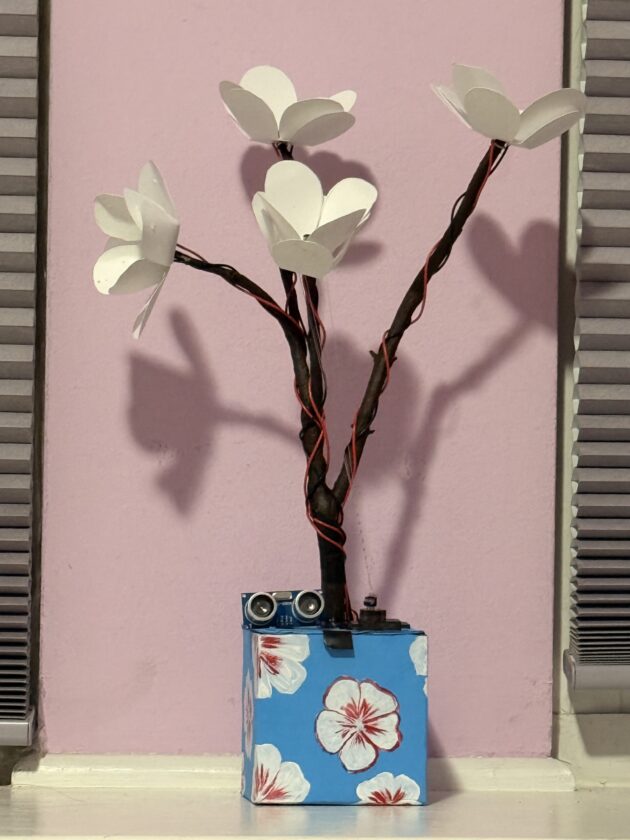
Sensor Flower- Jenny
Materials:Paper flower Cardboard box Tree branch Red and black wire 2 Adafruit LED sequin and 2 High power LED chips- white but will change to color ones Ultrasonic Ranger sensor MG90S motor Adafruit Circuit Playground Express Alligator- clips one side and the other side is JST-SM pin connector cable. Battery Holder Fishing string Code: #include…
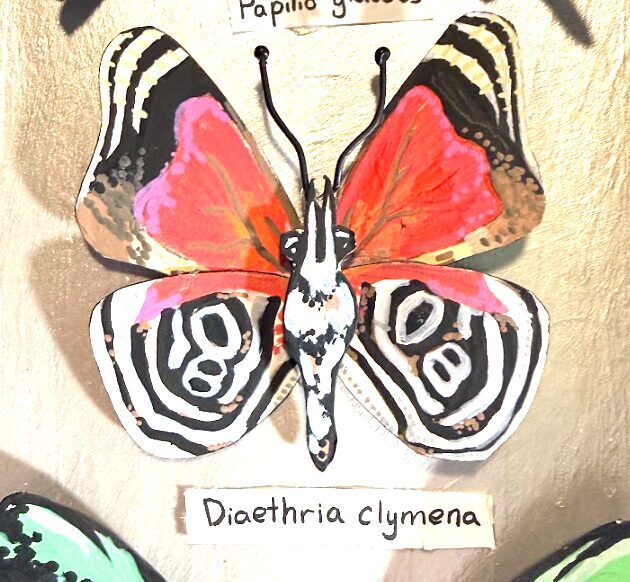
Addison interactive butterfly project
I wanted to make a project that’s purpose was almost to imitate life. I love butterflies and I was very inspired by the preserved butterfly displays in museums. I wanted to make a project that looked like it came alive after you shined light on it. I like the idea of it making people who…
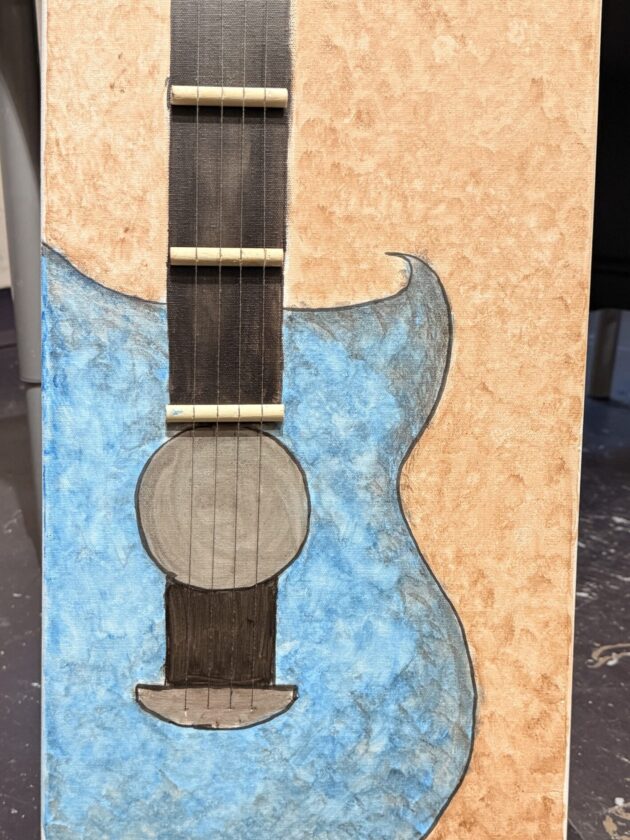
Interactive Touch-Activated melody Project Documentation- patel
Materials List: Canves 4 Conductive Thread little Plastic zip ties small wood stick Adafruit circuit playground express battery holder My project is an interactive canvas that uses conductive thread as touch-activated sensors to play music. Each of the four threads represents a different melody: three Bollywood songs and one Christmas song, “Jingle Bells.” When the…
software
Tiktok is a video sharing software that many people around the world use. People are able to record and edit videos up to 3 mins and share it to something called the FYP (For You Page). Many people have became widely known just for participating in a popular trend or posting something someone may deem…
Assignment 1
For this assignment I didn’t have a particular design in mind. Instead my objective was to explore the basics of color and shapes, while incorporating codes that would enhance those features. I initially began with random shapes but as I worked with the coordinates I slowly built off of that. For some parts I took…
Assignment 1 – Drawing Machine
For the first assignment of the class, I decided to mess around and see what I could do with the basic we were taught in the first couple of weeks of the semester. The Processing sketch is a bit simple, as a I begin with straight line going down the middle as the stem for…
LED Music Visualizer
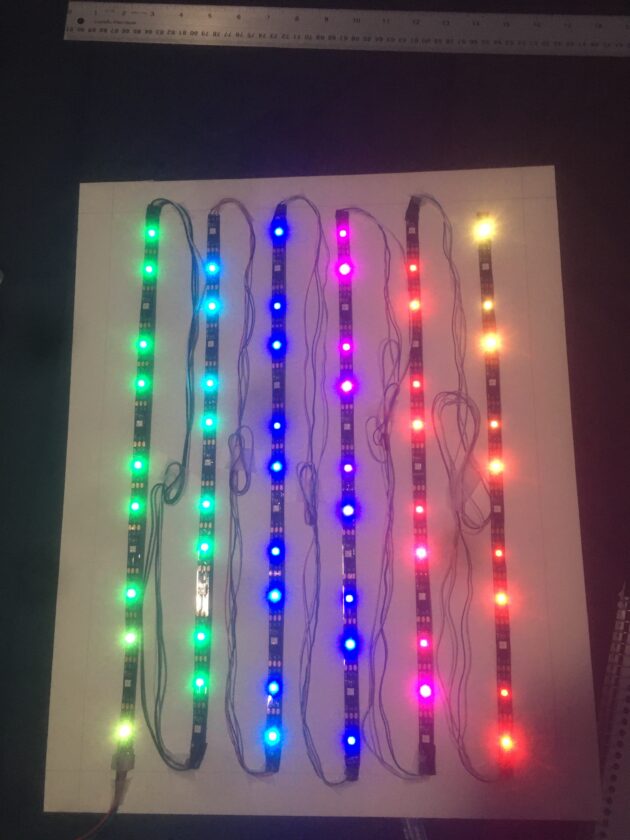
FINAL VIDEO DOCUMENTATION PT 1 FINAL VIDEO DOCUMENTATION PT 2 Music Visualizer Connor Burke May 7, 2020 Materials: LED Strip (Wheel from Amazon) Milti-core wire Soldering Iron Arduino Circuit Playground Arduino Crickit Single Canvas White Gaff Tape White Card stock Board Thumbtacks Step 1: Connect your led strip to the Crickit NeoPixel connector with the…
The Reluctant Shield (Please Don’t Hit Me!)
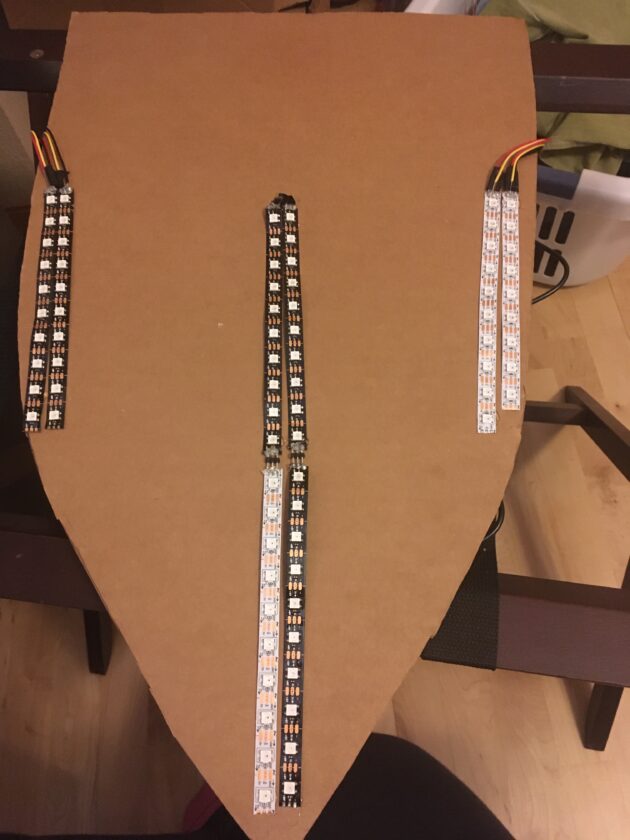
The concept behind this project was to make a shield that demonstrably does not want to be hit. It bleeds when you hit it, and if you keep hitting it, nature itself rises up against you for harming the shield. What did shields ever do to you anyway? (Original concept also included as a bonus goal…
Final project: Call And Response
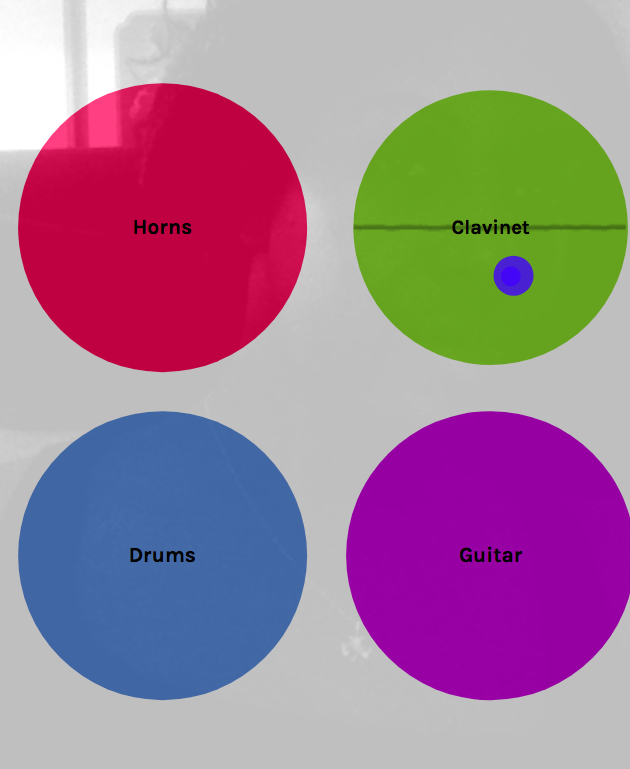
My final project was inspired by Camille A. Brown who is a performative artists and centers her work mainly around African-American experiences. For my project I wanted to do a call and response theme which is a performative act that is well-known in African-American music and rituals. The project is very simple; individuals who have…