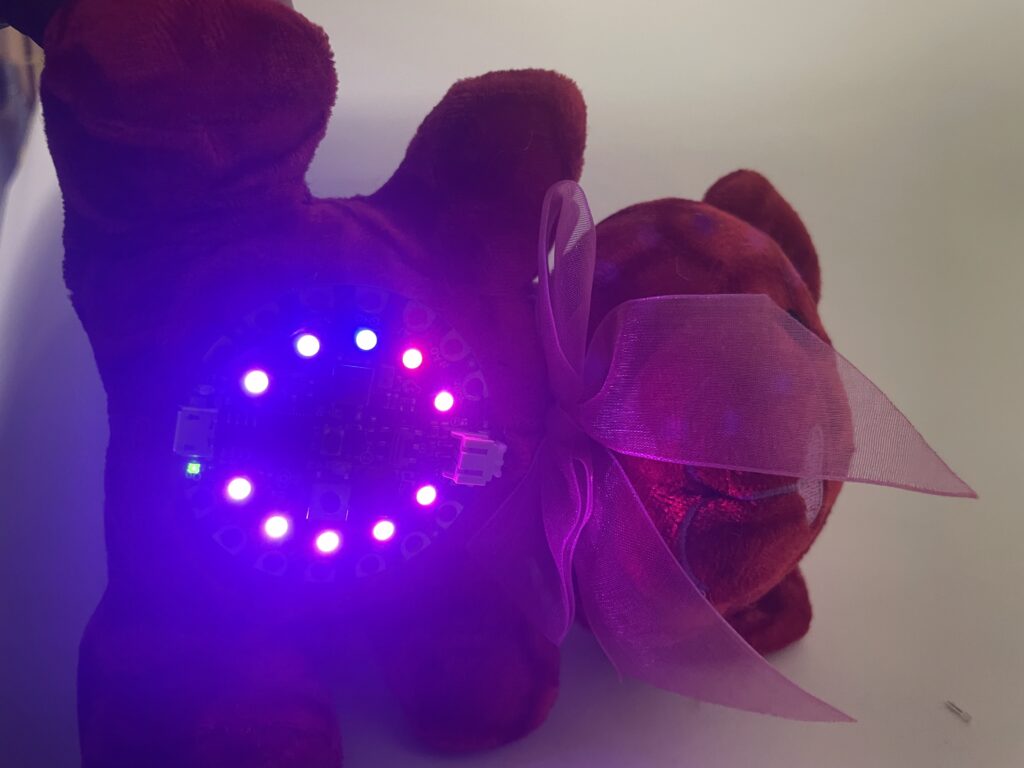
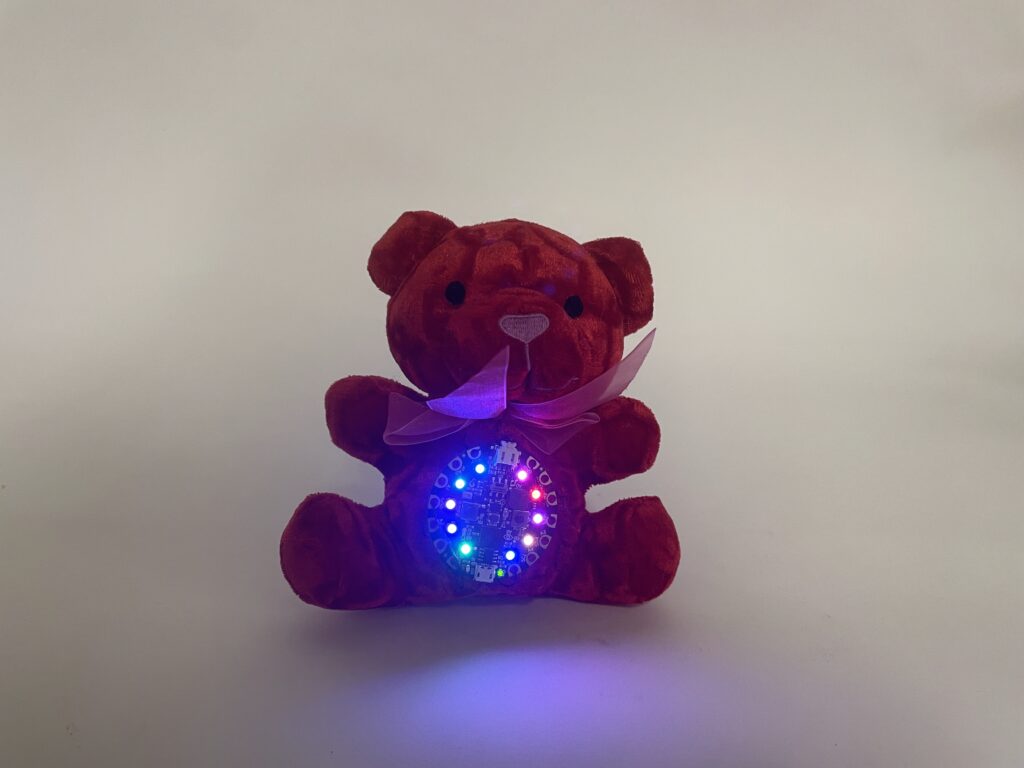
This is my project called the colorful tilt, as it acts as a tilt switch, changing the color if the position is changed.
Items you need to do this project
- circuit playground
- Teddy Bear
- A Sewing kit
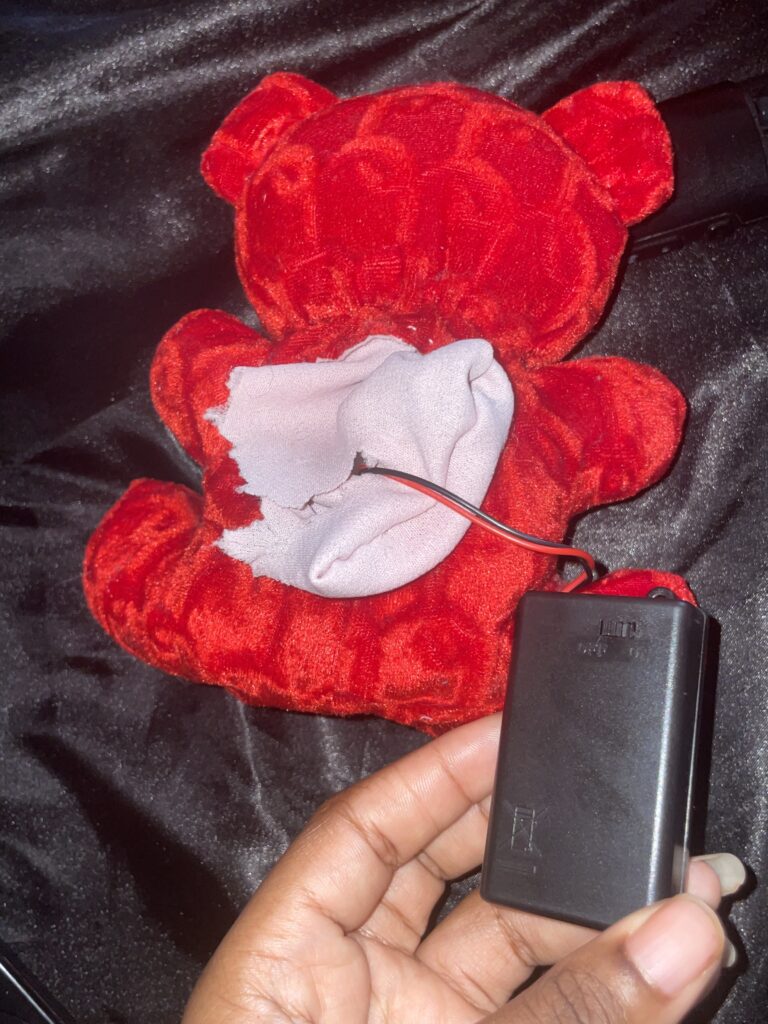
- Battery connector
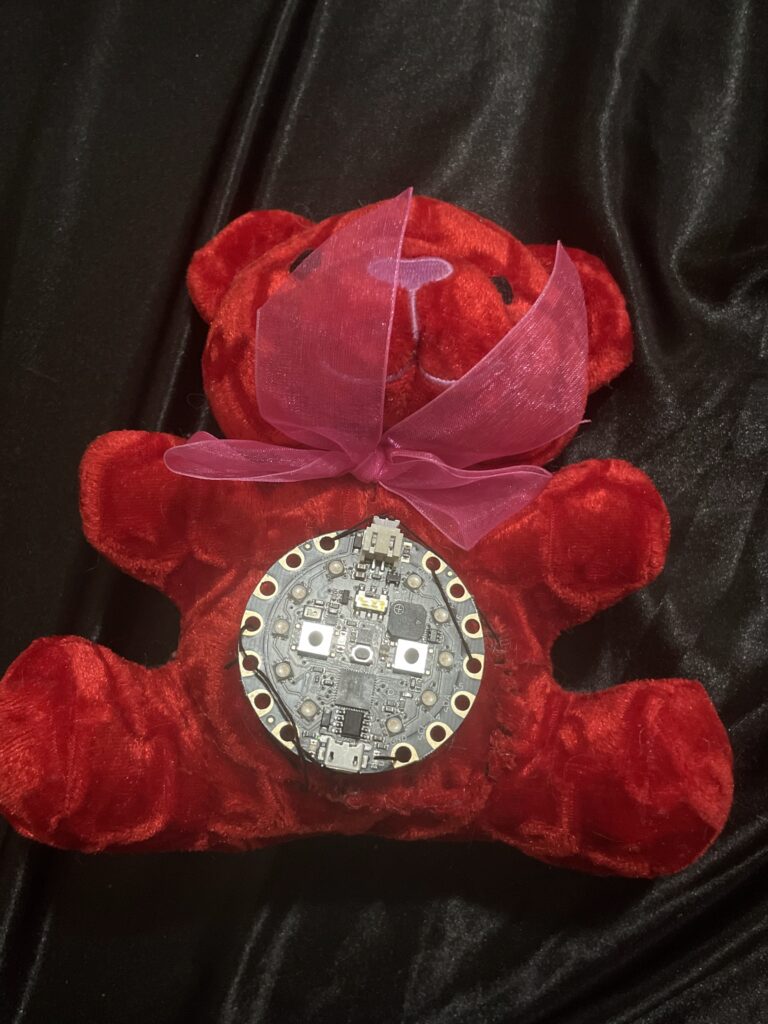
The first step I did was to cut open the back of the teddy bear and the front of the teddy bear so the Circuit Playground could fit through the teddy bear

After that, I edited the code to make what I wanted
The code
#include <Adafruit_CircuitPlayground.h>

uint8_t hue[10] = {0};  // each pixel's color
uint8_t brightness[10] = {0};
unsigned long twinkleLastUpdate = 0;

void setup() {
  CircuitPlayground.begin();
  rainbowCycle(10);
}

void loop() {
  float x = CircuitPlayground.motionX();
  float y = CircuitPlayground.motionY();
  float z = CircuitPlayground.motionZ();

  // Tilt Up
  if (y > 5) {
    setAllPixels(229, 10, 43); // pink
  }
  // Tilt Down
  else if (y < -5) {
    pattern_twinkles();
  }
  // Tilt Left (Blue Gradient)
  else if (x < -5) {
    gradientLeft();
  }
  //  Tilt Right (Purple Gradient)
  else if (x > 5) {
    gradientRight();
  }
  // Face Up
  else if (z > 8) {
    setAllPixels(145, 145, 255);
  }
  // Face Down
  else if (z < -8) {
    setAllPixels(255, 0, 0);
  }
  // Default
  else {
    setAllPixels(0, 0, 0);
  }

  delay(20);
}

//  Purple gradient (tilt right)
void gradientRight() {
  static uint8_t offset = 0;

  for (int i = 0; i < 10; i++) {
    uint8_t pos = (i * 25 + offset) % 255;

    uint8_t r, g, b;

    if (pos < 128) {
      r = pos * 2;
      g = 0;
      b = 128 + pos;
    } else {
      pos -= 128;
      r = 255;
      g = 0;
      b = 255 - (pos * 2);
    }

    CircuitPlayground.setPixelColor(i, r, g, b);
  }

  offset += 2;
}

// Blue gradient (tilt left)
void gradientLeft() {
  static uint8_t offset = 0;

  for (int i = 0; i < 10; i++) {
    uint8_t pos = (i * 25 + offset) % 255;

    uint8_t r, g, b;

    if (pos < 128) {
      r = 0;
      g = pos * 2;
      b = 128 + pos;
    } else {
      pos -= 128;
      r = 0;
      g = 255;
      b = 255 - (pos * 2);
    }

    CircuitPlayground.setPixelColor(i, r, g, b);
  }

  offset += 2;
}

void pattern_twinkles() {
  unsigned long currentMillis = millis();

  if (currentMillis - twinkleLastUpdate >= 50) {
    twinkleLastUpdate = currentMillis;

    for (int i = 0; i < 10; i++) {
      if (brightness[i] > 5) brightness[i] -= 5;
      else brightness[i] = 0;
    }

    int p = random(10);
    brightness[p] = 255;
    hue[p] = random(256);

    for (int i = 0; i < 10; i++) {
      uint32_t color = CircuitPlayground.colorWheel(hue[i]);

      uint8_t r = (uint8_t)(color >> 16);
      uint8_t g = (uint8_t)(color >> 8);
      uint8_t b = (uint8_t)(color);

      r = (r * brightness[i]) / 255;
      g = (g * brightness[i]) / 255;
      b = (b * brightness[i]) / 255;

      CircuitPlayground.setPixelColor(i, r, g, b);
    }
  }
}

// Set all NeoPixels
void setAllPixels(uint8_t r, uint8_t g, uint8_t b) {
  for (int i = 0; i < 10; i++) {
    CircuitPlayground.setPixelColor(i, r, g, b);
  }
}

// Rainbow animation
void rainbowCycle(int wait) {
  for (long firstPixelHue = 0; firstPixelHue < 65536; firstPixelHue += 256) {
    for (int i = 0; i < 10; i++) {
      int pixelHue = firstPixelHue + (i * 65536L / 10);
      CircuitPlayground.setPixelColor(i,
        CircuitPlayground.gamma8(
          CircuitPlayground.colorWheel(pixelHue >> 8)
        )
      );
    }
    delay(wait);
  }
}
After the code is uploaded to the Circuit Playground, I added the battery connector to the Circuit Playground, put the Circuit Playground through the teddy bear, putting it on the front of the teddy bear, and then sewed up the cut I put into the teddy bear, putting some of the fabric into the holes of the Circuit Playground to hold it in place and that should be all.